
Antidetect phone for mobile multi-account management
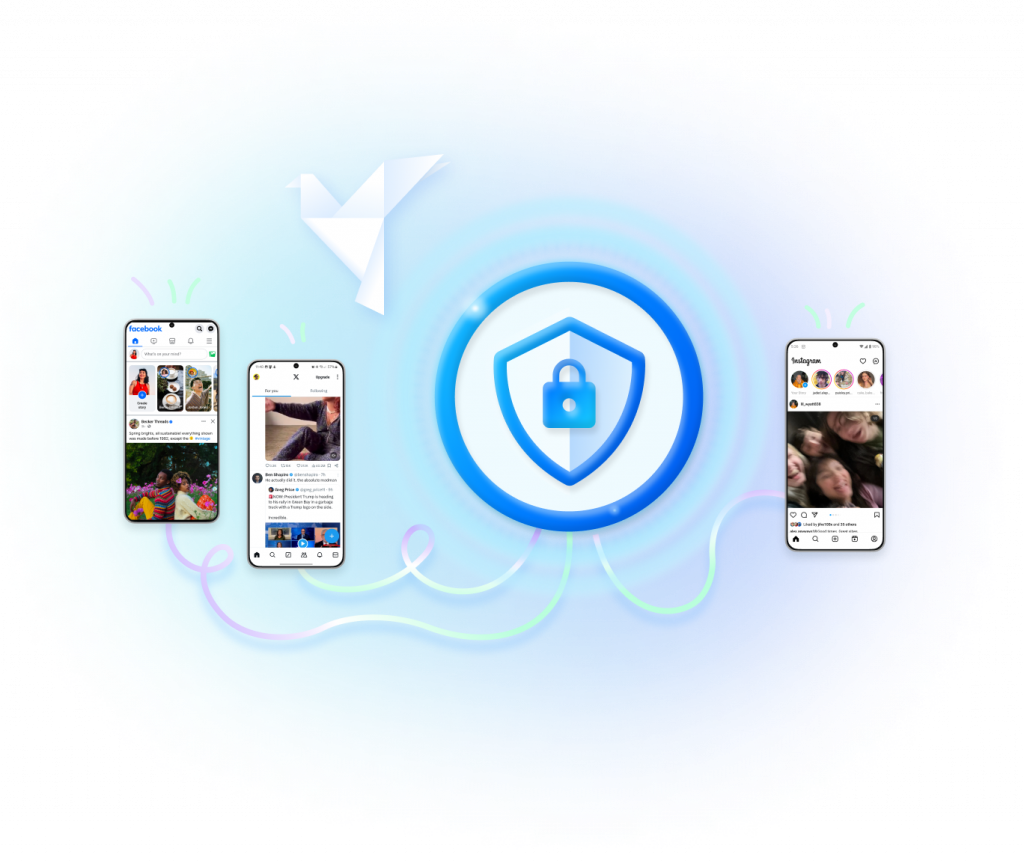
No physical devices required
Manage accounts from one dashboard
Automate repetitive mobile tasks
Collaborate with your team securely
What is an antidetect phone?
An antidetect phone is a mobile environment designed to help users manage multiple app accounts separately. Instead of running many accounts on the same physical phone or emulator, each account can work inside its own isolated Android phone profile.
GeeLark provides antidetect phones through cloud-based Android devices. Each cloud phone can have its own apps, settings, proxy configuration, device profile, and account workflow, helping teams reduce account linking risks and manage mobile operations more efficiently.
Why it matters for mobile accounts
Mobile apps often evaluate account behavior together with device, network, and environment signals. When too many accounts share the same phone, IP, or app environment, the risk of account association increases.
With GeeLark, every account can be assigned to a separate cloud phone environment, making account operations cleaner, easier to organize, and more scalable for teams.
Who needs antidetect phones?
Antidetect phones are useful for teams that need to operate multiple mobile app accounts without relying on large numbers of physical devices. They are especially valuable when account separation, workflow consistency, and team collaboration matter.
Social media teams
Manage TikTok, Instagram, Facebook, X, Reddit, and other mobile-first social accounts in separate Android environments.
Affiliate and marketing teams
Organize campaign accounts, app logins, and regional workflows without sharing the same device environment across accounts.
E-commerce operators
Run mobile app accounts for stores, marketplaces, customer engagement, and testing from cloud phones instead of physical devices.
Automation and growth teams
Automate repetitive mobile actions, assign tasks to team members, and manage accounts from one centralized dashboard.
How GeeLark antidetect phones work
Create a cloud phone profile
Set up a dedicated Android cloud phone for each account or workflow. Each profile can keep its own apps, login status, settings, and operating environment.
Assign proxy and location settings
Connect each cloud phone with a proxy that matches your account strategy. This helps keep network signals more consistent across account operations.
Install and run mobile apps
Use GeeLark cloud phones to run mobile apps such as TikTok, Instagram, Facebook, X, Reddit, Telegram, and other apps.
Automate tasks
Use automation tools to handle repetitive mobile tasks such as app opening, account warmup, content posting, and workflow execution.
Manage with your team
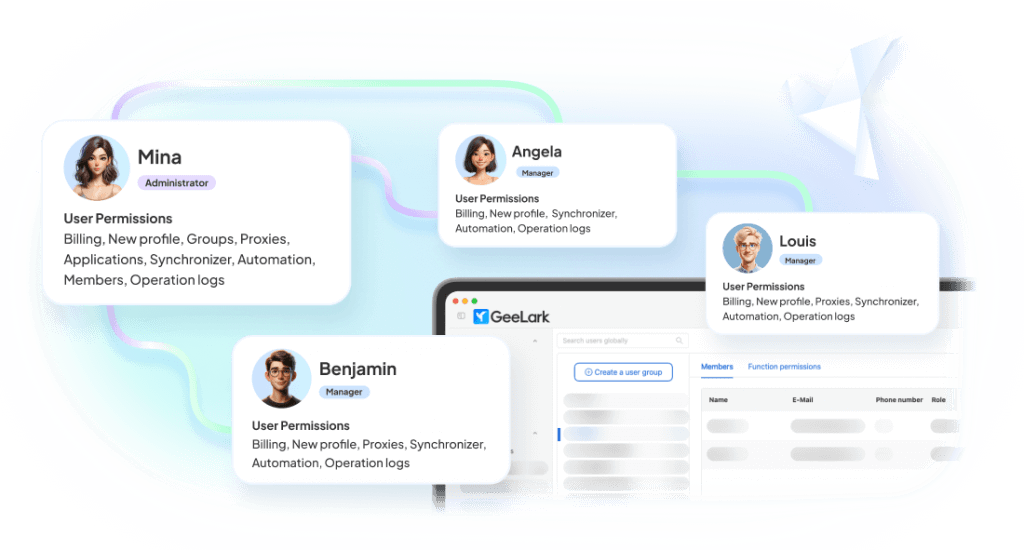
Assign cloud phones to team members, control permissions, monitor activity, and keep account operations organized in one workspace.
Antidetect phones for social media account management
GeeLark is designed for mobile-first social media workflows. Instead of mixing multiple accounts on one device, you can assign each account to a separate Android cloud phone and manage social media operations at scale.

TikTok Account Management
Run TikTok accounts in separate cloud phone environments, manage app sessions, and organize account workflows for content, engagement, and testing.
Instagram Account Management
Keep Instagram accounts separated by device environment, proxy, and team member, making daily account operations easier to manage.
Facebook Account Management
Use dedicated Android cloud phones for Facebook app accounts, regional workflows, and team-based account operations.
X, Reddit, Telegram, and More
Manage mobile app accounts across different platforms from one cloud-based dashboard without switching between physical devices.
Antidetect Phone vs Emulator vs Antidetect Browser vs Physical Phone
Different tools solve different parts of multi-account management. Antidetect browsers are useful for web accounts, emulators are local Android environments, and physical phones are expensive to scale. Antidetect cloud phones are built for mobile app accounts that need isolated Android environments.
| Tool | Best For | Limitation | GeeLark Advantage |
|---|---|---|---|
| Antidetect Phone | Mobile app accounts | Needs cloud phone infrastructure | Isolated Android cloud phones with proxy, automation, and team management |
| Android Emulator | Basic app testing | Local device signals and scalability limits | Cloud-based Android environments, easier scaling |
| Antidetect Browser | Web accounts | Not designed for native mobile apps | Better fit for TikTok, Instagram, Facebook, and other mobile apps |
| Physical Phone Farm | Native mobile operations | Expensive, hard to manage, difficult to scale | No physical devices required, centralized dashboard |
If your work depends on mobile apps, an antidetect phone is usually a better fit than a browser-only tool. GeeLark helps teams replace scattered physical devices with scalable Android cloud phones.
Everything you need to manage mobile accounts safely
Isolated android cloud phones
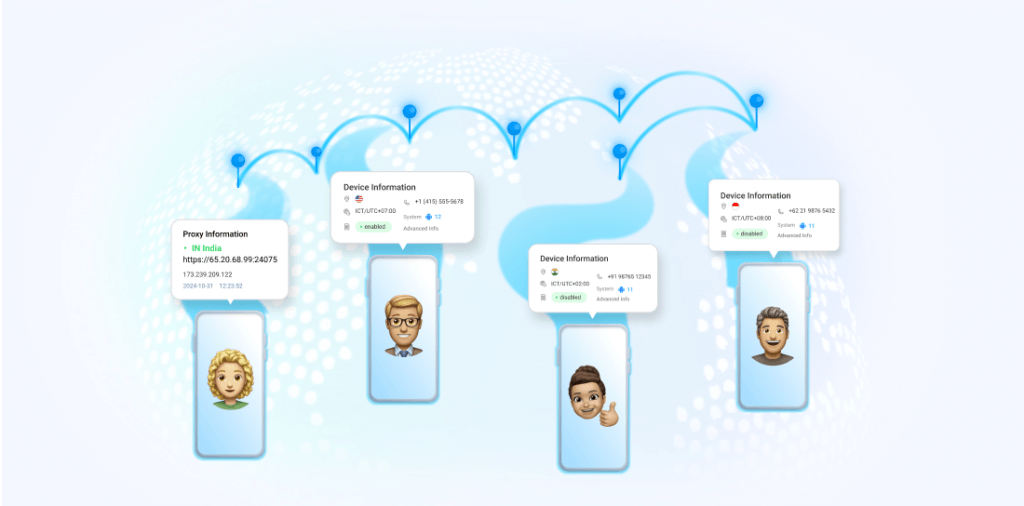
Create separate Android cloud phone environments for different accounts, clients, regions, or workflows.

Unique device profiles
Create separate Android cloud phone environments for different accounts, clients, regions, or workflows.

Proxy configuration
Assign proxy settings to different cloud phones based on account, region, campaign, or workflow. This gives teams more control over network environments than a local device rack.
Mobile app automation
Automate repetitive actions across mobile apps and reduce manual work for daily account operations.

Team collaboration
Invite team members, assign cloud phones, manage permissions, and keep workflows organized.
Centralized dashboard
Manage cloud phones, accounts, proxies, apps, and automation tasks from one workspace.
Use cases for GeeLark antidetect phones
Explore more GeeLark solutions

FAQs
Get started in 3 simple steps
Sign up
Download
Login in App
Build your antidetect phone workflow with GeeLark
Create isolated Android cloud phones and manage your team’s mobile account workflows from one dashboard.
