
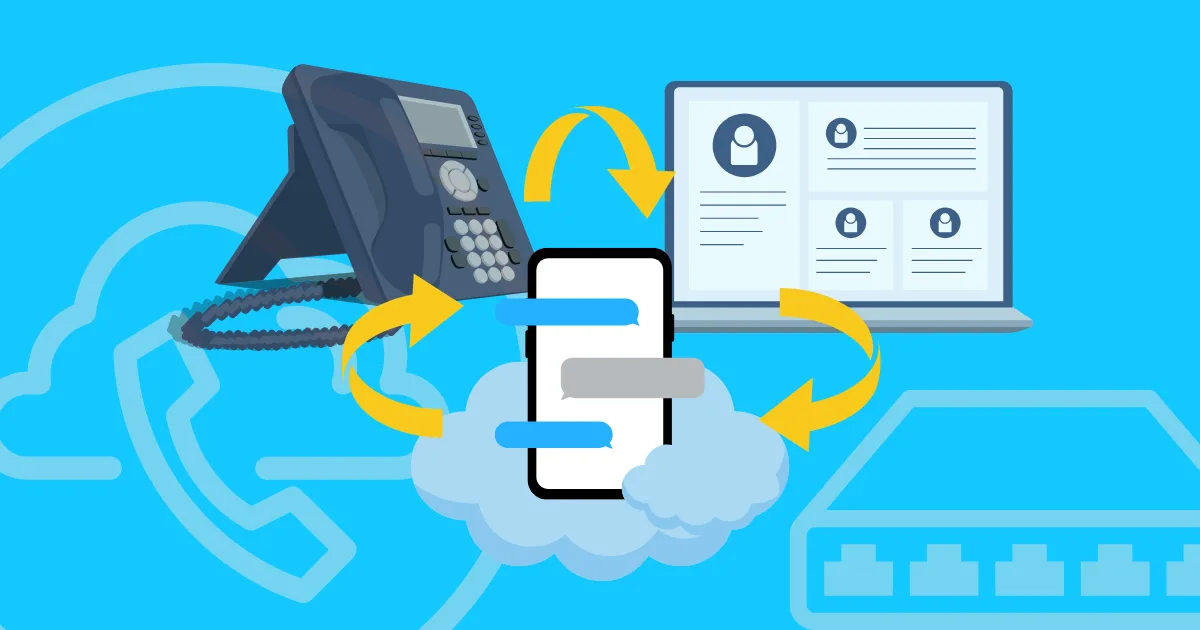
What Is a Remote Phone? 3 Common Meanings Explained
Summarize this article with your preferred AI
A remote phone is not one fixed product category.
The term is used in several ways, which is why search results often mix business phone tools, remote access software, and cloud phone platforms.
This guide breaks down the three common meanings so you can quickly find the right one.
Quick answer
| Meaning | What it does | Common examples |
| Business phone system | Lets a business make and receive calls over the internet without a traditional phone line. | RingCentral, Grasshopper, Nextiva, OpenPhone / Quo |
| Remote control tool | Lets you view and control an existing physical phone from another device. | TeamViewer, AirDroid, AnyDesk, scrcpy |
| Cloud Android phone | Gives you a full Android phone environment in the cloud, accessible from your computer. | GeeLark, MoreLogin, Multilogin |
1. Business phone systems
In business communications, a remote phone usually means a VoIP phone system or virtual phone.
VoIP stands for Voice over Internet Protocol. Instead of using a traditional landline, the system converts voice into digital data and sends it over the internet. A business can then answer calls from a desktop app, browser, mobile app, or VoIP desk phone without installing a physical phone line.
This type of remote phone is mainly for calling, messaging, and customer communication.
Common use cases
Businesses use this type of remote phone when they need a professional number that follows the team, not a desk.
Typical use cases include:
- Answering business calls from home, the office, or while traveling.
- Getting a separate work number without installing a landline.
- Using local numbers for different cities or countries.
- Routing support calls to the right person or department.
- Logging calls in a CRM and tracking call activity.
Key features
A business remote phone system usually includes:
- Virtual phone numbers that are not tied to one physical device or location.
- Call forwarding to route calls to a mobile phone, desktop app, or another number.
- Auto-attendant or IVR to send callers to the right person or department.
- Voicemail to email so missed calls can be reviewed later.
- CRM integrations with tools such as HubSpot or Salesforce.
- Call analytics for call volume, answer rate, and handling time.
- Video meetings or team messaging in some platforms, such as RingCentral.
Product examples
Prices change often, so use these as rough references and check each vendor’s current pricing before publishing.
| Product | Best known for | Price reference | Best for |
| RingCentral | Enterprise communication suite | Mid to high range | Larger teams |
| Grasshopper | Simple business phone numbers | Around $14/user/month | Small businesses and freelancers |
| Nextiva | Full-featured cloud phone system | From around $15/user/month | Growing businesses |
| OpenPhone / Quo | Modern app-based business phone | Around $15/user/month | Startups and remote teams |
This is not the right meaning if your goal is to run TikTok, Instagram, WhatsApp, Amazon, or other mobile apps. A VoIP system gives you calling infrastructure, not an Android device.
2. Remote control tools
A remote phone can also mean a tool that lets you control a real phone from another device.
This is the TeamViewer, AirDroid, AnyDesk, or scrcpy meaning of remote phone. You already have a physical phone somewhere. The tool streams that phone’s screen to your computer or another phone, then sends your clicks, taps, typing, and swipes back to the device.
The key point is simple: the phone must already exist.
Common use cases
This type of remote phone is useful when you need to control a real phone from somewhere else.
Typical use cases include:
- Helping employees troubleshoot phones, install apps, or change settings remotely.
- Helping a parent or older relative fix phone issues from home.
- Accessing a personal phone left at home or in another office.
- Playing mobile games from a computer with a keyboard and mouse.
- Managing employee phones through MDM tools.
Key features
Remote control tools commonly include:
- Screen mirroring so you can see the phone screen in real time.
- Remote input for taps, typing, swipes, and gestures.
- File transfer between the phone and computer.
- Unattended access for managed devices that do not require the phone user to approve every session.
- Screenshots and screen recording for troubleshooting or documentation.
- Device location in some mobile management tools.
Product examples
| Tools | Best known for | Connection method | Best fit |
| TeamViewer | Remote IT support | Internet / P2P-style remote session | IT support and business device management |
| AirDroid | Phone access and file transfer | Wi-Fi or internet | Personal access and family support |
| AnyDesk | Fast remote sessions | Internet remote session | Quick cross-platform support |
| scrcpy | Free Android control | USB or Wi-Fi ADB | Developers and technical users |
If the phone loses power, disconnects from the internet, or is outside your control, the remote session stops. That is where the third meaning becomes different.
3. Cloud phones
The third meaning of remote phone is cloud phone.
In this context, you are not remotely controlling a phone you already own. You are using a full Android phone that runs in the cloud.
A cloud phone works like a real Android device. You can install apps, stay logged in to social media accounts, and keep them active over time.
You can manage dozens or even hundreds of them from one computer, without buying physical phones or dealing with device wear and tear.
This category is often called a cloud phone, cloud Android phone, or remote phone.

Common use cases
Cloud Android phones are mainly used when people need scalable access to mobile apps across separate phone environments.
Typical use cases include:
- Social media account management: Managing multiple TikTok, Instagram, Facebook, Reddit, or YouTube accounts from separate mobile environments.
- E-commerce operations: Running mobile-first marketplace, seller, or store apps for different markets or accounts.
- Affiliate and performance marketing: Testing different creatives, regions, and account workflows across multiple mobile profiles.
- Android app testing: Testing apps across different device models, Android versions, and device settings.
- Content and creator workflows: Maintaining multiple creator accounts, brand projects, or client workspaces while keeping each mobile environment separate.
Key features
A cloud Android phone platform usually includes:
- Native Android OS: Runs a native Android system, such as Android 9 to Android 16, and lets you install Android apps like TikTok, Instagram, and Reddit.
- ARM-based hardware: Runs on ARM chips and ARM-based hardware, instead of being virtualized on x86 computers or servers.
- Unique device identifiers: Each cloud phone has its own device identifiers, such as IMEI, MAC address, Android ID, device brand, and device model.
- Mobile sensor signals: Cloud phones can also provide sensor signals such as accelerometer and gyroscope data.
- Proxy configuration for each phone: Each cloud phone can be configured with its own proxy to keep its network identity separate.
- Aligned IP and GEO settings: GPS location, timezone, phone language, and regional format can be aligned with the IP address.
- Built-in automation templates and RPA tools: Built-in automation templates and RPA tools make it easier to automate tasks on apps like TikTok, Instagram, and Reddit, without a steep setup barrier.
- Centralized control panel: A central dashboard lets you manage multiple cloud phones efficiently and access several phones from your computer at the same time.
- Team permission management: You can assign access permissions to different team members, allowing them to use cloud phones without sharing physical devices.
Which remote phone do you need?
Use this decision guide to match your problem with the right product category.
| Use case | Best match | Tools to consider |
| Remote customer calls | Business phone system | RingCentral, Grasshopper |
| Business number without landline | Business phone system | OpenPhone / Quo, Nextiva |
| Remote phone support | Remote control tool | AirDroid, TeamViewer |
| Access a phone remotely | Remote control tool | AnyDesk, AirDroid |
| Manage multiple social accounts | Cloud phone | GeeLark |
| Separate account environments | Cloud phone | GeeLark |
| Run ecommerce or marketplace apps | Cloud phone | GeeLark |
| Avoid physical phone farms | Cloud phone | GeeLark |
Why cloud phones are different
Cloud phones are different because they help you scale social media accounts faster, run each account in its own isolated mobile environment, and keep IP and GEO settings consistent across every profile.
Scale comes first
Scaling organic social traffic requires running multiple accounts to test different niches, hooks, music styles, content formats, posting times, and audience angles.
The more variations you can test, the faster you identify what actually drives results.
With a physical phone farm, scaling typically means:
- buying more second-hand phones;
- checking each device before use;
- charging phones and managing cables;
- setting up apps, networks, and environments on each device;
- maintaining hardware when batteries, screens, or cables fail;
- setting up remote access for VAs or distributed teams.
Cloud phones remove most of this overhead. Instead of sourcing and preparing devices one by one, you can download the GeeLark app, create cloud phone profiles, install apps in bulk, and start running mobile workflows immediately.
If you want to expand to 10 more accounts, a physical phone setup may take one or two days to prepare. With cloud phones, the same expansion can take only a few minutes.
That is why cloud phones make the mobile environment easier to scale.
Real and isolated environments
Each cloud phone runs as an isolated Android environment. Apps, login sessions, local storage, and device settings are stored within that profile and are not shared across accounts.
One key advantage of cloud phones is not just account isolation. They also provide device signals that are close to a real phone. Such as:
- native Android system (Android 9–16)
- device model and manufacturer
- Android ID
- IMEI
- MAC address
- sensor data (accelerometer, gyroscope)
- network type (Wi-Fi or cellular)
- isolated app data and sessions
Unlike Android emulators that run on a PC, these ARM-based environments look more like real mobile devices to platforms, making it easier to build a stable level of trust.
For a deeper comparison, see our guide on cloud phone vs Android emulator.
IP and GEO settings stay aligned
For social media workflows, your phone environment needs to match the target market as a whole, not just the proxy you’re using.
If you’re managing US TikTok accounts. It’s not enough to connect through a US IP. Your device setup should also reflect a US-based environment, including timezone, system time, language, GPS location, and regional settings.
When you create a cloud phone profile in GeeLark, it automatically aligns settings like timezone and GPS location with your IP address.
Final takeaway
“Remote phone” is not one product category. It usually means one of three things:
- A business phone system for calling customers over the internet.
- A remote control tool for accessing an existing physical phone.
- A cloud Android phone for running mobile apps from a cloud-based phone environment.
If you need cloud-based Android phones for mobile app workflows, GeeLark gives you ARM-based cloud phone profiles, separated app environments, proxy and location settings, team access, AI-assisted content tools, and automation features in one platform.